Passkey essentials

Everything teams need to understand Passkeys

Share the fundamentals with product, security, and CX partners using this at-a-glance passkey briefing powered by amiPro research.
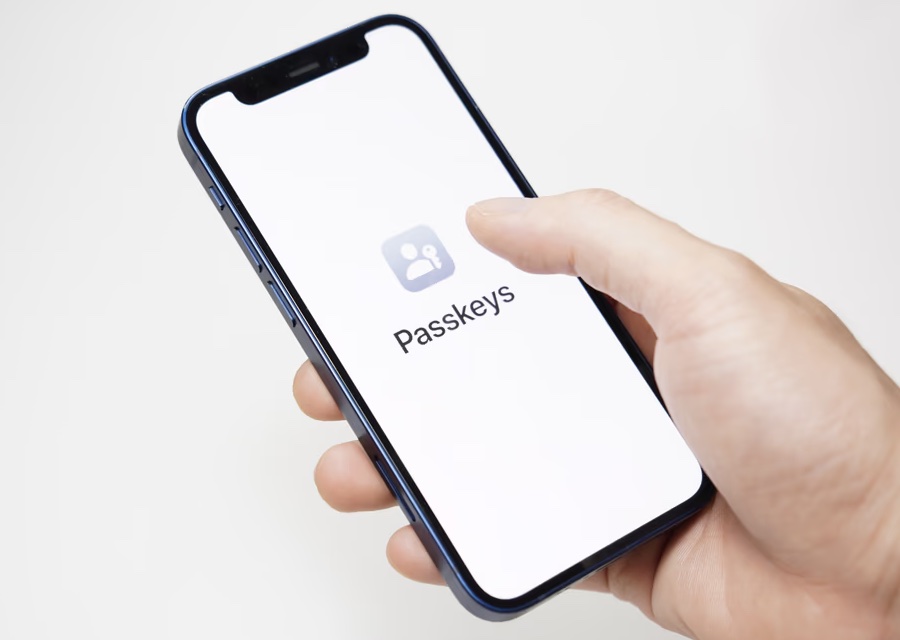
FIDO2 ready Phishing resistant Device agnostic
Various passkey authentication devices including smartphones, laptops, and security keys

How Passkeys Work: Step by Step

  1. Registration: The user registers a passkey by authenticating with biometrics (fingerprint or face recognition) or a hardware security key on their device.
  2. Key pair creation: A cryptographic key pair is generated. The private key stays securely on the user device; the public key is sent to the website server.
  3. Authentication: On subsequent logins, the user authenticates with biometrics to unlock the private key, which signs a cryptographic challenge from the server.
  4. Verification: The server verifies the signature using the public key and grants access — no password ever transmitted.

Passkey Benefits for Businesses

  • 99.9% phishing reduction: Passkeys are bound to the legitimate website domain, making phishing attacks ineffective.
  • 203% ROI over 3 years: Reduced security incidents, lower support costs, and improved conversion rates deliver measurable returns.
  • 75% fewer support tickets: Eliminating password resets dramatically reduces help desk burden by year three.
  • Faster sign-ins: Biometric authentication is quicker than typing passwords, reducing login abandonment.

amiPro Passkey Hub provides FIDO2-certified infrastructure with open-source SDKs for JavaScript, iOS, and Android.

define

define

define

define

define

define

define

define